Visual engagement plays a crucial role in learning whether teaching young or older students, incorporating graphics can make lessons more interactive, memorable, and effective. The tools I see most used in classroom are Canva and Bitmoji, they both offer creative ways to enhance instruction, promote engagement, and support diverse learning styles.
Why Use Graphics in Teaching?
- Increases Engagement- visuals capture students attention and make lessons more appealing
- Improves Comprehenion- graphics help break down complextopics and reinforce the key concepts
- Support Diverse Learning Styles- visual learner benefit from clear, structured image that accompany explanations
- Personalization and Creativity- graphics can be customized tp the students needs and interests, personalizing it to them
Canva
- Super Easy to Use- Canva offers thousands of pre-made templates for worksheets, posters, presentations, and newsletters, allowing teachers to create high-quality materials quickly
- Create Visuals/Anchor Charts- you can create posters or infographics to reinforce key concepts
- Interactive Assignments- you can design engaging wroksheets and activity templates
- Student-Created Projects- students can be taught how to make their own infographics, posters, or presentations on Canva!
Bitmoji
- Personalizes Learning Experience- adding a fun personal touch to slides and worksheets making lessons feel more engaging and meaningful
- Give Directions and Feedback- Bitmoji characters can be used to give directions, reminders, or positive feedback on assignments, adding a friendly, encouraging tone
- Makes Learning More Interactive- Students respond well to visually appealing content, and Bitmoji makes lessons, instructions, and announcements more interactive and interesting
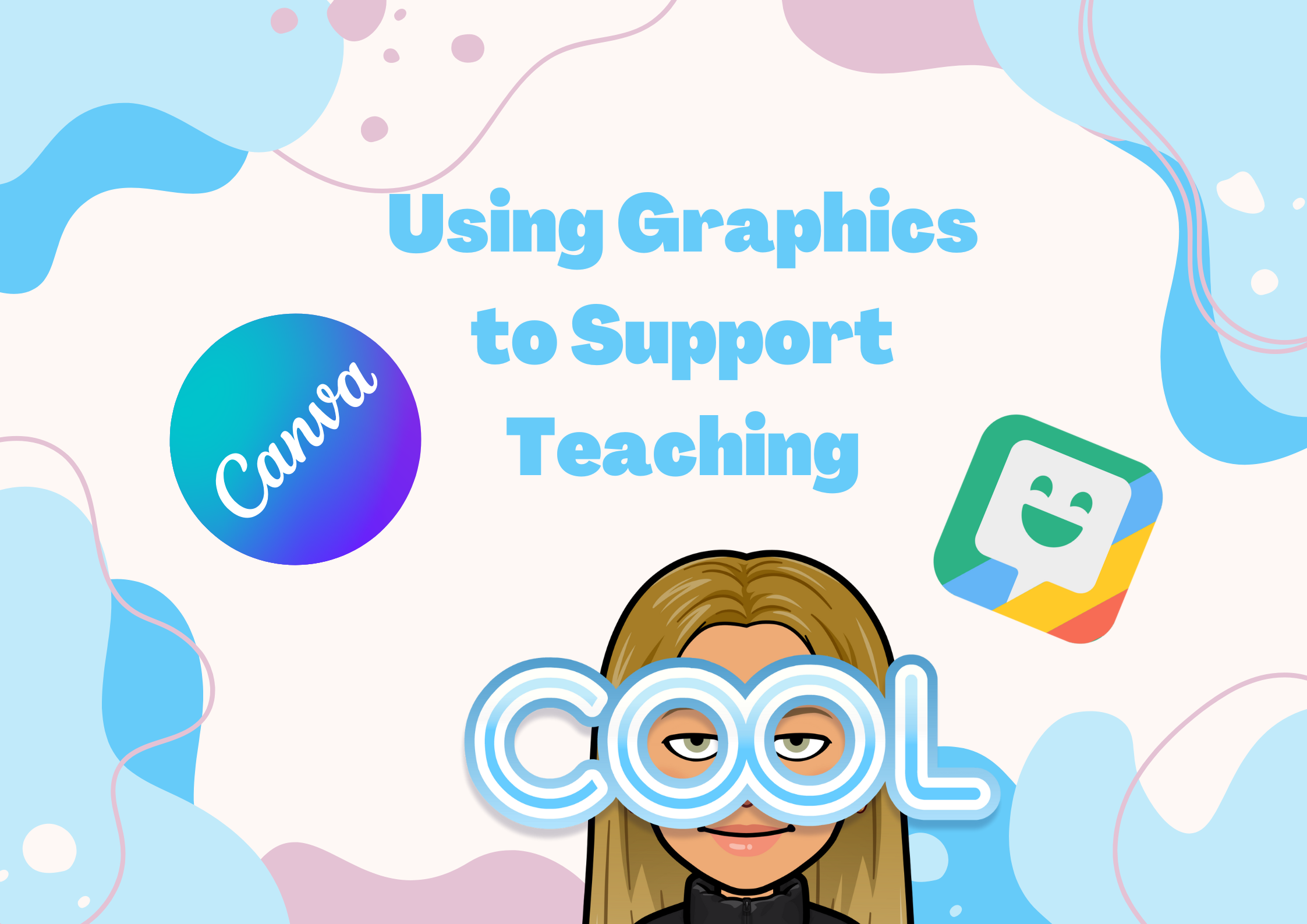
This is a picture I made on Canva that didn’t take much time and I was able to upload pictures from Flickr onto it, as well as adding my Bitmoji
Other Graphics to Consider Using
- Powerpoint-Create interactive lessons and presentations
- Pixlr-free web-based photo editing tool that allows teachers and students to create, enhance, and customize images for lessons, digital projects, and creative assignments with an easy-to-use interface
- Vectr-free web-based vector graphics editor that allows teachers and students to create scalable, high-quality designs for posters, infographics, digital projects, and classroom visuals with an easy-to-use interface